
Revisiting Options for Text Expansion
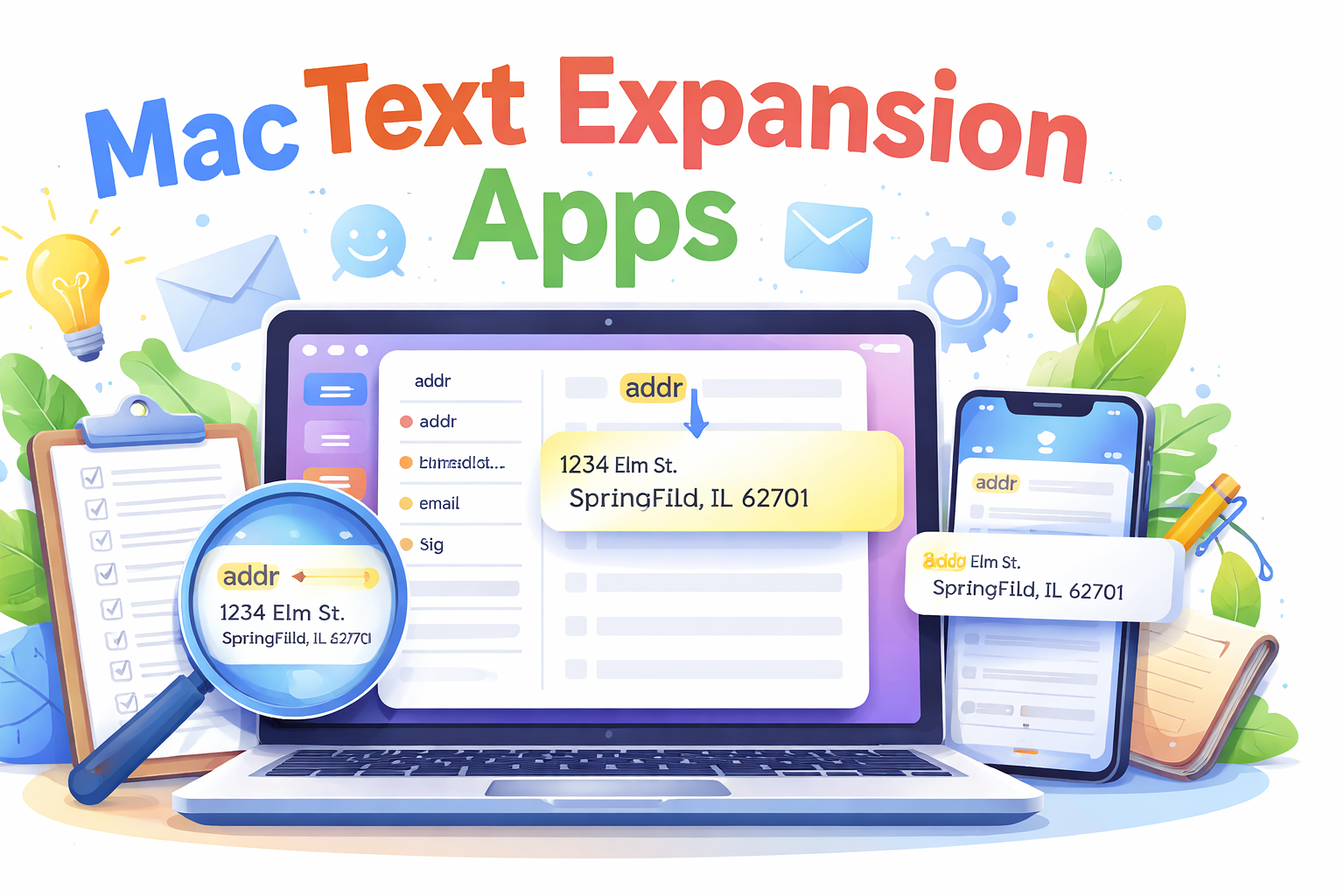
I've recently been on a mission to reassess some of the software I use to ensure I'm employing it in instances where it can accomplish tasks more quickly than the manual methods I sometimes revert to. I've been using text expansion tools (snippets) for quite some time, yet I often feel that I could leverage them more effectively.
My Use Cases
- Autocorrecting words that I will likely never type correctly due to ingrained muscle memory - available, because, bitcoin, Vietnam, download, etc.
- Email addresses, home address, phone number
- Auto-expanding date and time snippets in my preferred format - 2025-12-21 & 1:51 PM
- Terminal commands with fill-in-the-blank popups for paths and file names for tasks such as making scripts executable, repairing damaged app permissions, running Homebrew with my preferred switches
- Boilerplate letters to app developers requesting information I use in my reviews (with fill-in-the-blank fields)
- Emoji descriptions
- AI prompts for repetitive tasks, like requesting alt-text for uploaded graphics
- Search engine syntax for querying specific websites, date ranges, etc.
- Frequently reused API keys
Regarding text expansion, the applications I regularly use offer me a variety of options.
Native Expansion
This isn't a viable option for me, as it lacks support for variables like date and time. Additionally, Mac text replacement is not available in all apps. For instance, it is unsupported in Microsoft Word, Outlook, or Firefox, and it also doesn't offer any formatting.
Raycast
I'm a frequent user of Raycast, and it is always active on my Mac. The main thing preventing me from utilizing its highly-rated snippets feature is the difficulty in importing my existing snippet collection from the app I currently use. Raycast snippets are searchable and suitable for boilerplate text and code. Raycast supports variables, which it labels "Dynamic Placeholders." If you have a Raycast Pro account with syncing enabled, you can access the same snippet library on both your phone and Mac. Alfred, a competing application similar to Raycast, also offers text expansion for those who purchase the Powerpack, which has a one-time fee of £59 ($78). Alfred lacks iOS snippet support.
Keyboard Maestro
There’s very little that Keyboard Maestro ($36) cannot automate, including text replacement/expansion. A notable feature of Keyboard Maestro is the ability to add a microdelay so that in applications like VSCode, where replacement can be inconsistent due to rapid triggering, you can slow down the process while still achieving the desired functionality. You can also simultaneously trigger other macros with your text expansion snippet. High-speed expansion is possible with Keyboard Maestro’s "prompt for user input" feature. No iOS support.
Text Expander
The reality is that I don't use any of these methods because I have been relying on Text Expander for over a decade. I have several hundred snippets, and the process of exporting and importing them into Raycast seemed too tedious for my liking. Additionally, at one point, I qualified for a lifetime discount on my subscription, so it remains quite economical (the regular price is $3.33 per month, billed annually). In terms of functionality, it meets all my needs for an app of its kind. My subscription works on both Windows and macOS. If you don’t mind adding another subscription, it’s a solid option. There are even libraries of snippets available for download covering areas such as customer support, coding, and Markdown. An iOS version is also available, which operates through a custom keyboard currently in Test Flight.
Other Solutions
- Expanso is a free and open-source text expander that runs on macOS, Windows, and Linux (but not iOS). It boasts many advanced features and would likely be my choice if I weren't so committed to Text Expander. I use it on my Debian and Xubuntu systems.
- Typinator offers another advanced option available for a one-time purchase rather than a subscription. Typinator functions across all applications and works with names, dates, formulas, variables, images, calculations, and code.
- aText - Highly regarded and priced at $5. aText supports variables, syncing via iCloud and Dropbox, and is optimized for coders. It also has a Windows version. The current Mac version is 3.21, but many users appear to prefer the legacy version (2).
- Snippety - It features an excellent mobile version to accompany a polished desktop app with variable support and AI integration. There is no free trial, but it is available in the Mac App Store, enabling use across all your personal Apple devices. ($29.99)
- TypeIt4Me - This application has been around for a couple of decades and is a pioneer in its category. It remains actively developed and was updated for macOS 26 Tahoe and features iOS compatibility. I used it in the past, and from what I can observe, it continues to improve. ($19.99 in the Mac App Store)
- Phrase Express - I used the free Windows version of this software for quite some time before TextExpander released a compatible version. Phrase Express includes many enterprise-friendly features suitable for Microsoft environments, even in the Mac & iOS versions; however, at $99 for the most basic version (which includes just one year of updates), I find it challenging to recommend for the average user.