
NeoFinder: The Mac App That Makes Offline Drives Searchable
Why NeoFinder Matters
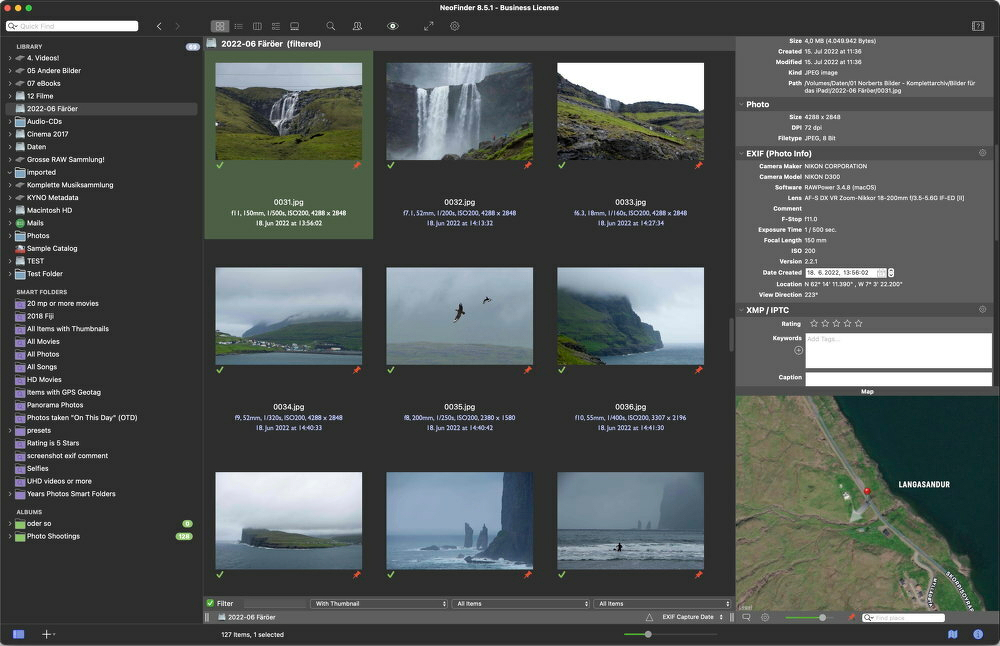
NeoFinder is a macOS app that catalogs disks and media, creating a searchable database of your files no matter where they live: internal drives, external drives, NAS volumes, shared network drives, removable media (CDs, DVDs, USB drives), and even inside archives.
The real magic is its ability to search offline drives; drives that aren’t currently mounted. NeoFinder does this by maintaining an inventory of file names, folder structures, and a surprisingly deep set of metadata. It can even generate thumbnails and previews for many media types, so you can visually identify files without connecting the original drive.
For anyone with a long digital history spread across multiple devices and storage formats, that capability alone makes NeoFinder worth paying attention to.
Who NeoFinder Is For (and Who It Isn't)
NeoFinder's User Base
-
Families and couples with merged or parallel photo libraries
This is where I fit in. My wife and I are longtime iOS users who also shoot plenty of photos with DSLRs. We’ve worn out multiple photo scanners over the years and still have photo discs dating back to the 90s. -
Cold-storage users
If you have stacks of USB hard drives, binders full of flash cards, or a NAS that only gets powered on occasionally, NeoFinder becomes extremely useful. -
Multimedia digital packrats
Tens of thousands of music tracks? A serious movie or TV collection? Huge ebook libraries? NeoFinder shines when that media is spread across multiple volumes. -
NAS-centric setups
Especially when the built-in search tools on your NAS aren’t good enough or when you want to catalog everything before reorganizing storage. -
Small teams
NeoFinder can run with a shared catalog database on a NAS or network share so teams can work from a common media index with consistent tags. (Different license tiers apply.)
People Who Probably Don't Need NeoFinder
- If your entire media collection lives on a single always-connected cloud service and you rely on its built-in search, NeoFinder probably adds little value.
NeoFinder becomes valuable when storage is fragmented across multiple drives, and some of those drives are offline, archived, or only occasionally connected. - It’s also not for someone simply looking for a replacement for Apple Photos without investing time in metadata. NeoFinder works best when you’re willing to use keywords, captions, people, locations, and other structured metadata.
What Makes It a Good Choice
- Offline search, even accessible from an iPhone or iPad.
- Extremely powerful metadata support, especially for media collections.
- Deep macOS integration, including Finder context menus, AppleScript, Quick Look, and compatibility with apps like FileMaker and Roxio Toast.
- Media-specific previews, including:
- Photo thumbnails
- Video metadata extraction via FFmpeg
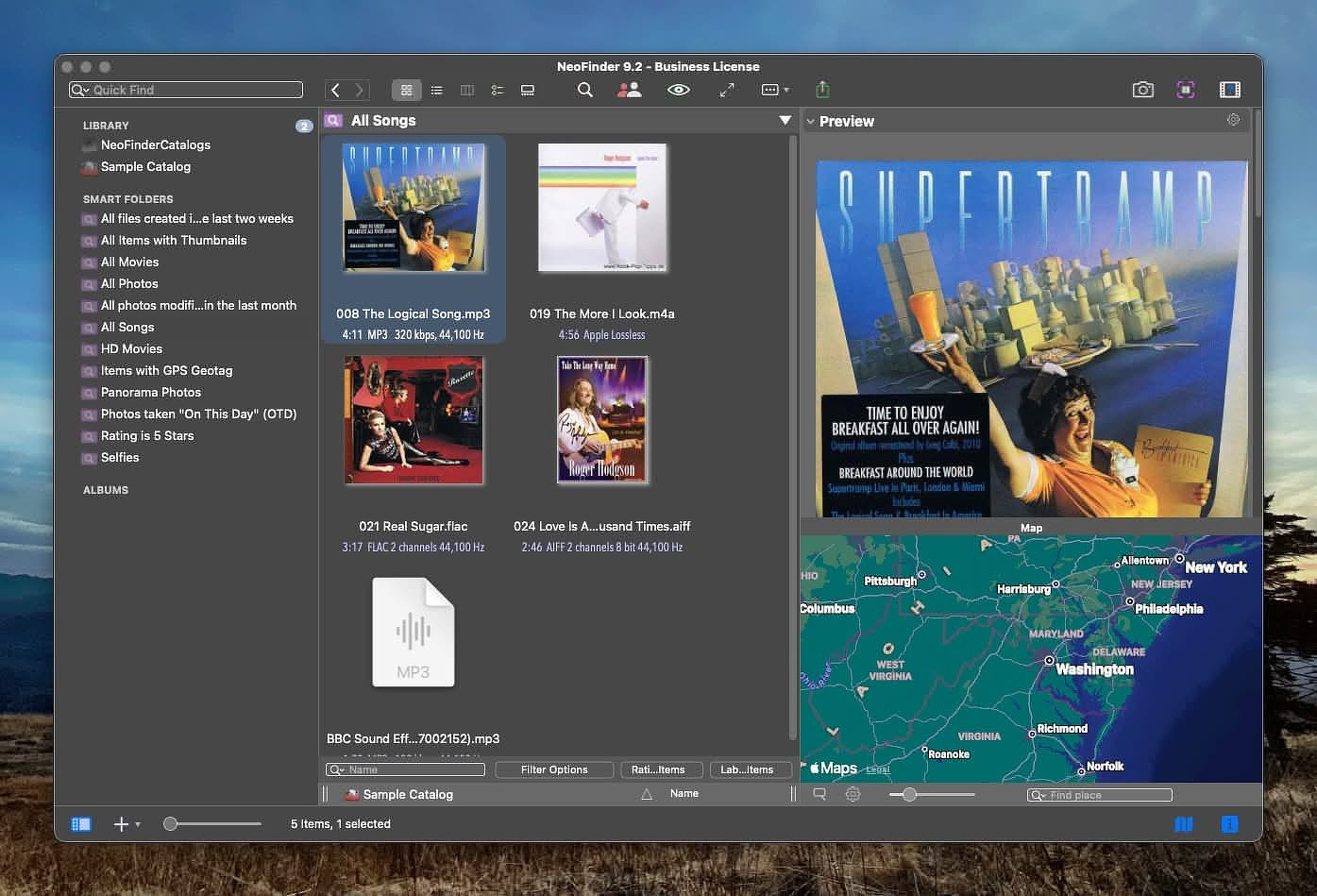
- Audio metadata including cover art, lyrics, and previews
The AppAddict Test
I’m exactly the kind of user NeoFinder was built for.
My photo library is huge and messy. My music collection goes back to the Napster era and includes everything from original Carter Family recordings to spoken-word tracks from Gil Scott-Herron. My movie and TV collection is a mix of rips, downloads, digital purchases, and the occasional file that mysteriously “fell off a truck.”
My ebook library alone contains more than 18,000 titles in twelve different formats.
NeoFinder helps bring order to that chaos.
It can identify duplicates, normalize metadata, and organize photos using standardized metadata fields including geotagging. Finding photos from past trips or events becomes dramatically easier. We photograph a lot of ultramarathon events, and locating images from an obscure mountain race in 2018 used to be a real chore.
NeoFinder’s filtering tools also help with technical housekeeping. For example, you can identify videos using outdated codecs, unusual bitrates, or missing subtitle tracks. That makes it easier to modernize large collections over time.
Even ebook organization becomes simpler; building subject-specific libraries or collections for particular people takes minutes instead of hours.
Similar Apps
-
DiskCatalogMaker (macOS)
A macOS cataloging utility that scans disks and folders to build searchable offline indexes of files, making it easy to locate content stored on external drives or archived media without mounting them. -
iView MediaPro / Expression Media (legacy)
Once one of the dominant professional digital asset managers, used to organize large photo, video, and document collections with rich metadata and powerful cataloging tools. -
Extensis Portfolio / Canto Cumulus
Enterprise-grade digital asset management platforms designed for organizations to catalog, tag, search, and distribute large media libraries across teams. -
WinCatalog (Windows)
A Windows disk cataloging tool that indexes external drives, network shares, and removable media so files can be searched even when the original storage is offline.
Links
- Product page: https://cdfinder.de/
- Pricing: https://cdfinder.de/store.html
- Release notes: https://cdfinder.de/news.html