
ScreenFloat is a Different Kind of Screenshot App
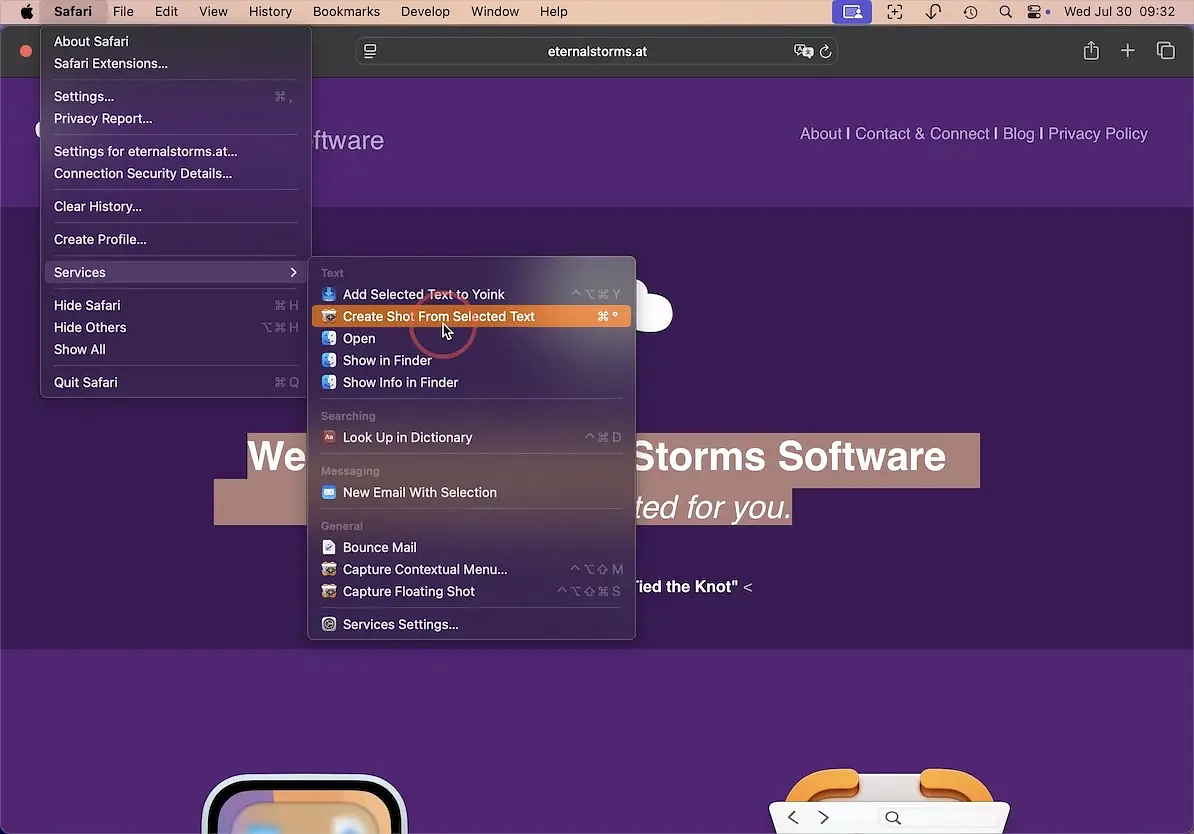
I only recently realized that my use of screenshots falls into two very different categories.
On one hand, I use screenshots to illustrate blog posts and social media. That usually amounts to two or three captures a day.
On the other hand, I take screenshots constantly for technical reasons; learning a new application, documenting my self-hosted server configuration, keeping track of network settings in my home lab, or simply capturing information during everyday tech work.
For the past couple of years, I’ve relied almost exclusively on CleanShot X for screenshots.
Recently I discovered ScreenFloat, which is designed for the second scenario. It’s not really an app where you capture a screenshot and file it away. Instead, the screenshots you take stay visible while you work so you can reference them.
If the screenshot contains text, that’s not a problem. ScreenFloat includes some of the strongest built-in OCR capabilities I’ve seen in this category.
Capture
Capturing screenshots is straightforward. You can grab a static region of the screen or use a timer when you need to trigger some UI element before the capture occurs.
ScreenFloat also supports screen recording with microphone and system audio.
You can start a capture from:
- a keyboard shortcut
- the menu bar
- a widget
One small but practical detail; unless you change it, the next capture will reuse the same screen region as the previous one. When you’re repeatedly documenting the same part of an interface, that saves time.
Floating Screenshots
Floating screenshots are surprisingly useful when you treat them as working references.
Typical examples:
- coding or scripting while referencing documentation
- technical writing while capturing UI elements
- design work where you need to sample colors or inspect visual details
Anyone working in a screen-heavy workflow quickly understands the value.
ScreenFloat works well here for two main reasons.
First, it includes a solid set of built-in editing tools. You can crop, rotate, resize, annotate, and redact sensitive information such as text or faces. Screenshots can also be folded (collapsed) so they stay available without taking up much screen space.
The text tools go beyond simple OCR. ScreenFloat can detect and interact with:
- links
- phone numbers
- barcodes
Second, the app is designed around the idea that screenshots are reference material, not just disposable images.
Every capture is stored in a built-in library called the Shots Browser. It includes:
- smart folders
- tagging
- favorites and ratings
- full-text search
If you run ScreenFloat on multiple Macs, you can access the same Shots Browser from other devices. That’s a genuinely useful feature. Most competing tools simply dump screenshots into Finder folders and leave organization up to you.
What’s to Like
Aside from the feature set, the one-time purchase price of $17.99 is refreshing.
ScreenFloat also supports Mac automation tools such as:
- Shortcuts
- AppleScript
That makes it much easier to integrate into an existing automation workflow.
The developer, Matthias Gansrigler-Hrad, has a long-standing reputation for maintaining his apps and responding to users. I bought my first app from him more than a decade ago; the long-lived shelf utility Yoink.
ScreenFloat has also seen frequent updates since version 2 was released.
Version 2.3.5 (March 2026) added:
- improved search results in the Shots Browser
- ability to capture the mouse cursor in timed shots
- drag-and-drop support in the markup editor
- improved widget appearance
- easier access to image-copy options
Possible Drawbacks
Like any feature-rich tool, ScreenFloat has a bit of a learning curve. The interface is well designed, but it still takes some time to understand everything it can do.
My recommendation is simple; start with one feature and build from there.
Another practical consideration is that floating screenshots are still windows. If you leave a few dozen of them open, you can expect some impact on system resources.
And if you’re looking for a full-blown screen recording and media production suite, this isn’t that kind of tool.
Conclusion
ScreenFloat isn’t just another screenshot utility. There are plenty of good ones.
What makes ScreenFloat interesting is that it treats screenshots as working references, not just images you capture and forget.
For developers, designers, writers, or anyone else who spends their day juggling information across multiple windows, that idea turns out to be surprisingly powerful.
Requirements: Requires macOS Monterey 12.3 or newer
Privacy Policy: The developer does not collect any data from this app.
Price: 19,99 € / $17.99 / £17.99