
I replaced Apple Music with Yate, Swinsian, Navidrome, and an iPod Classic. Surprisingly better.
My ten-year experiment with Apple Music is over.
Over the past month I rebuilt my workflow for managing a large local music collection; roughly 36,000 tracks. After a lot of experimentation, these are the tools that finally clicked.
- Migration – Apple Music with iTunes Match ($25/year; you only need it once)
- Repair – Yate (free)
- Management – Swinsian ($34.95)
- Maintenance – Yate + Swinsian
- Consumption (hardware) – iPod Classic ($40–$400)
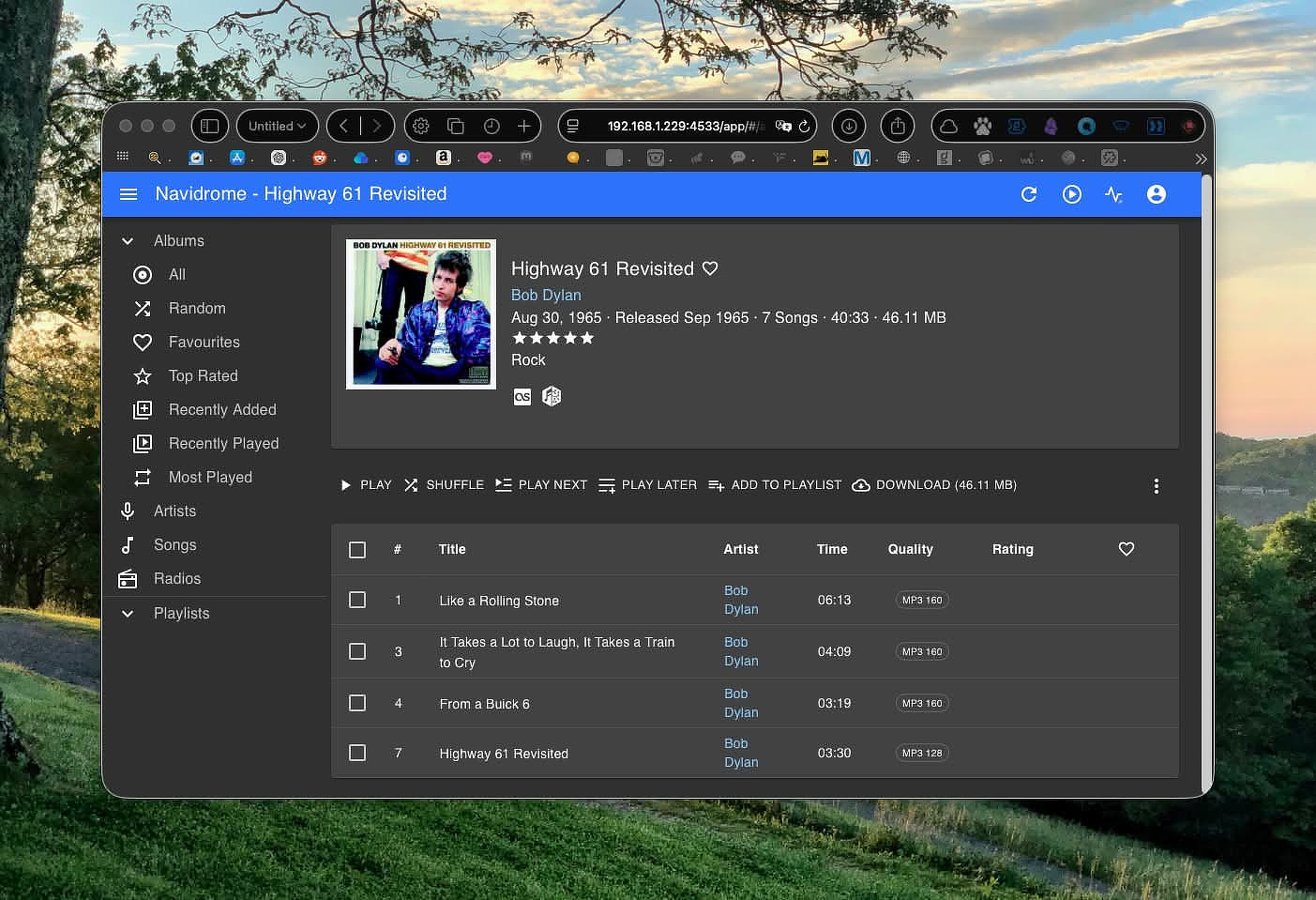
- Consumption (streaming) – Navidrome (free)
This is the story of moving from Apple Music back to files I actually own, and the workflow that makes that practical in 2026.
Why Leave?
Streaming trained us to tolerate a mess we never should have accepted.
Tracks, albums, and playlists quietly disappear. You’re never quite sure what counts as “your library.” Metadata changes underneath you. And if you cancel the subscription, it’s not always clear what remains.
For casual listening that trade-off may be fine. For anyone who has spent years curating a library, it’s frustrating.
iPod Enforced Clarity
Using a big old iPod Classic forces a certain discipline.
- Everything must be local. No cloud placeholders. Availability becomes certain instead of the streamer’s gamble of “is this still licensed?”
- Metadata has to be correct. Artist, Album, Genre, Composer, and Year matter because that’s how the device navigates.
- Portability means independence. The device doesn’t call home to verify a subscription.
It’s a surprisingly healthy constraint.
DRM Isn’t What It Used to Be
My library comes from a mix of sources:
- Ripped CDs
- iTunes purchases
- Other digital stores (Amazon, eMusic, etc.)
- Napster downloads
In the early years, iTunes purchases were DRM-protected AAC files. Later Apple switched to DRM-free downloads and eventually provided ways to convert older purchases.
That history leaves many long-time iTunes libraries in a messy transitional state.
iTunes Match Worked for Me
For $25, iTunes Match will upload up to 100,000 songs in almost any format.
The useful trick is what happens next: once the songs are matched or uploaded, you can re-download them as 256 kbps AAC files.
That’s not lossless audiophile territory, but it’s a big improvement over the 128 kbps MP3s many of us ripped twenty years ago.
In my case it did two useful things:
- Upgraded thousands of low-bitrate files
- Removed DRM from every track I had ever purchased from Apple
It’s not magic, though.
A “matched” track can sometimes be:
- a different mastering
- a radio or clean edit
- a compilation version
Those substitutions can break album coherence. Keeping a backup of your original files is essential so you can restore anything that gets replaced incorrectly.
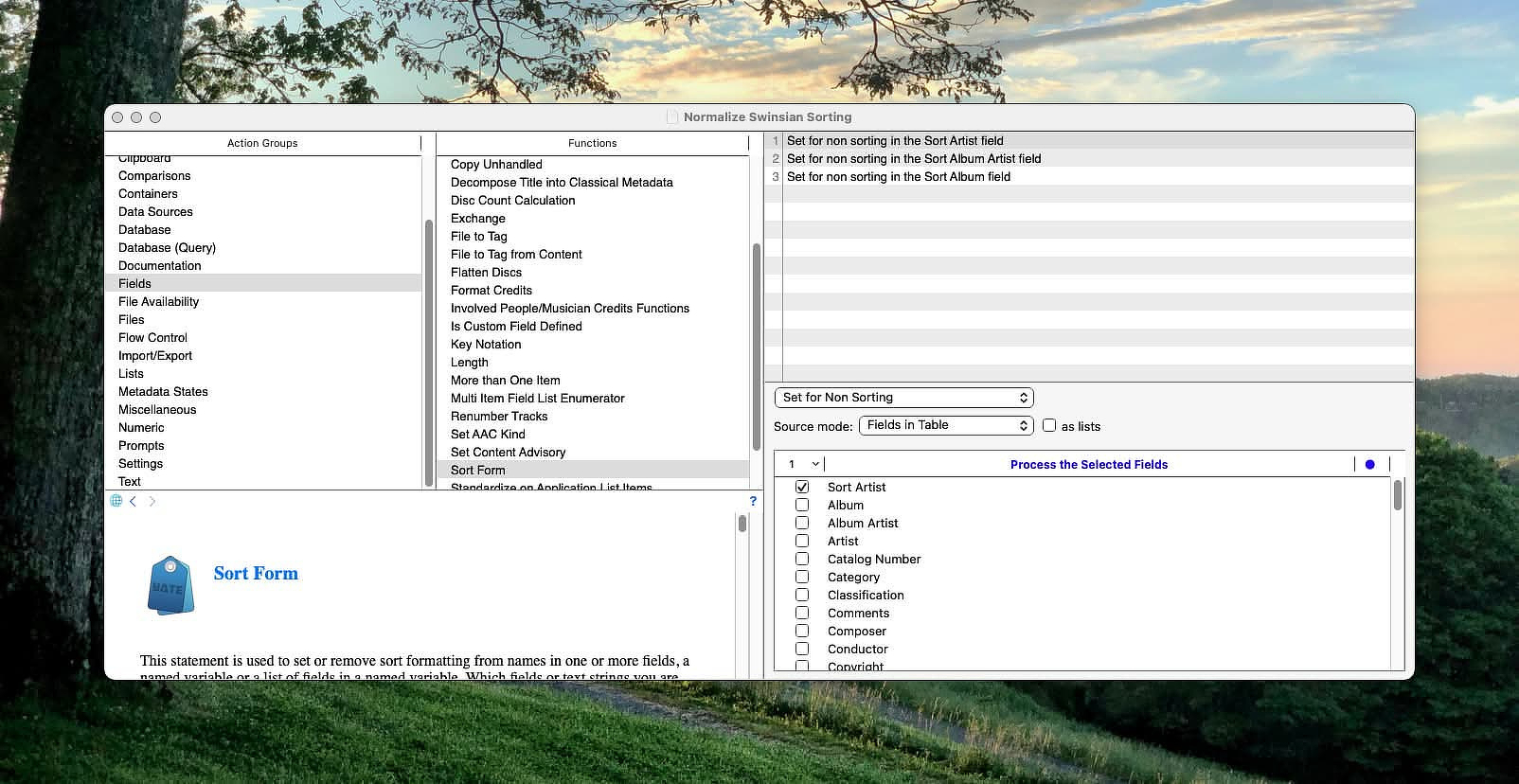
Using Yate to Modernize the Library
Old iTunes libraries accumulate a lot of structural problems.
-
Artist vs Album Artist inconsistencies
Compilations explode into dozens of fake albums because Album Artist wasn’t standardized. -
Multiple versions of the same artist
AC/DCvsACDC, smart quotes, stray spaces, or hidden characters create duplicate artist entries. -
Broken multi-disc structure
Missing disc numbers, merged discs, or tracks numbered 1–12 twice. -
Genre chaos
Alternative, Alt Rock, Alt. Rock, Indie Rock multiplied across 36,000 tracks. -
Legacy sorting fields
Old iTunes “Sort Artist” conventions vary wildly and sometimes actively break browsing. -
Artwork inconsistencies
Some tracks embed artwork, others rely on external caches, and some albums contain multiple covers.
You can fix these issues manually for a small collection. Mine required automation.
Yate turned out to be the right tool. Its strengths include:
-
Batch tag repair
Album Artist normalization, compilation handling, capitalization rules. -
Multi-disc metadata fixes
Correct disc numbers, track numbering, and album naming. -
Genre standardization
Apply a consistent genre system across the library. -
Artwork workflows
Embed artwork consistently and clean up mismatched covers. -
Duplicate and anomaly detection
Surface metadata problems that older iTunes libraries accumulate silently.
Swinsian as the Management Layer
Swinsian is the perfect ongoing management layer.
Yes, it’s a player. But more importantly, it’s a tool for keeping a large collection curated over time.
What Swinsian Does Well
-
It stays fast.
Even with large libraries. It behaves like a library manager rather than a storefront. -
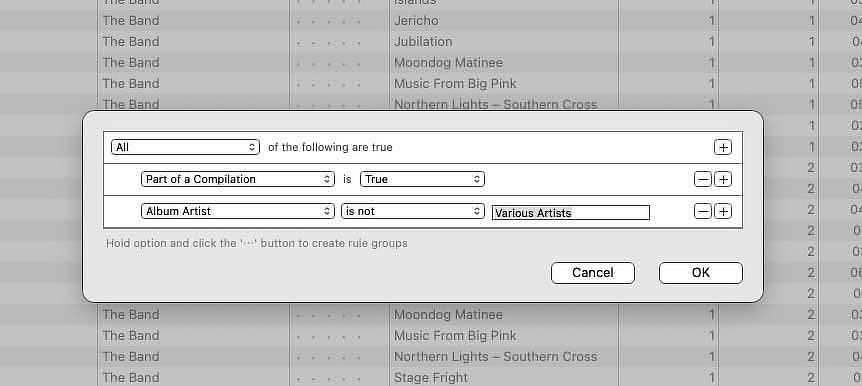
Smart playlists act like real queries.
You can build them around almost any metadata combination.
Examples from my library:
- Tracks added in the last 30 days that are under 256 kbps
- Albums missing artwork
- Tracks with blank Album Artist or “Unknown Album”
- Plays = 0 but rating ≥ 4 stars (a “rediscover” list)
-
Metadata triage is straightforward.
Sorting by Bit Rate, Kind, Date Added, Album Artist, or Disc Number quickly surfaces problems. -
Bulk editing is practical.
Yate handles large automation jobs; Swinsian is perfect for smaller fixes like missing years or Album Artist corrections. -
It’s local-first.
No cloud substitutions. No licensing surprises. Your library remains exactly what’s on disk.
Files. Tags. Structure.
The Drawbacks
Local libraries come with responsibilities.
Discovery becomes a separate task. There’s no instant “add to playlist” from a streaming catalog.
You also have to care about the plumbing:
- tagging discipline
- folder structure
- backups
My library uses a simple Artist/Album/Track folder structure so both Swinsian and streaming remain predictable.
I’m also paranoid about losing data, so I keep backups on external drives and in the cloud. If you follow a 3–2–1 backup strategy, you’re golden. At minimum, use Time Machine.
The upside is control. The downside is maintenance.
What About Streaming?
This turned out to be the easiest part.
Navidrome is the layer that makes your local library available everywhere.
Point it at your curated music folder, let it scan the files, and your collection becomes streamable from:
- phones
- tablets
- browsers
The key advantage is that Navidrome reflects your existing organization.
Yate handles tag cleanup and upgrades.
Swinsian handles library management and playlists.
Navidrome simply serves whatever you’ve already organized.
Once it’s set up, it mostly disappears into the background.
Exactly the way infrastructure should.
My Current Workflow
- Acquire music (CD rip, digital purchase, download).
- Run Yate actions to normalize tags and artwork.
- Import into Swinsian for library management.
- Sync to an iPod Classic for offline listening.
- Let Navidrome stream the same library remotely.
Closing: The Point Isn’t Nostalgia
This isn’t a retro flex. It’s an engineering decision.
A locally managed library quietly removes an entire category of annoyances: licensing uncertainty, cloud weirdness, metadata drift, and app strategy whiplash.
And with the right combination of tools — iTunes Match for upgrades, Yate for tagging, Swinsian for management — a 36,000-song library becomes not just manageable, but pleasant again.