Bartender Enters a New Era with Top Shelf
For the past few weeks, I’ve been beta testing a new release of Bartender; an app with an interesting, and at times slightly controversial, history. Despite that, it’s a utility I’ve relied on for years. I recently did a deep dive into the problems macOS changes have created for menu bar managers and what those changes mean going forward. Even with a few lingering issues in the category, I still came away viewing Bartender as the best overall option for serious Mac users.
The new release, called Bartender Pro, expands beyond traditional menu bar management with a feature called Top Shelf. The idea is simple: turn the MacBook notch into something genuinely useful instead of leaving it as dead space. The developers are entering an increasingly crowded area occupied by apps like Droppy and DynamicLake Pro, both of which are also trying to claim that piece of Mac interface real estate.
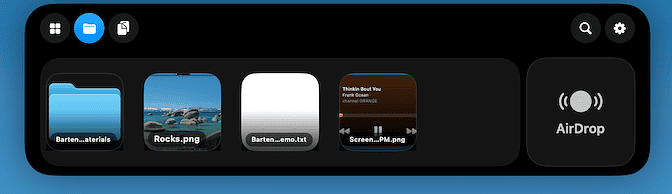
Top Shelf supports temporary file storage, clipboard history, AirDrop access, widgets, media controls, live weather, calendar views, and what Bartender calls “live activities.” One particularly interesting addition is support for displaying the status of running Claude Code or Codex sessions directly from the notch area. That puts Bartender Pro in direct competition with Droppy for AI-focused workflow integration.
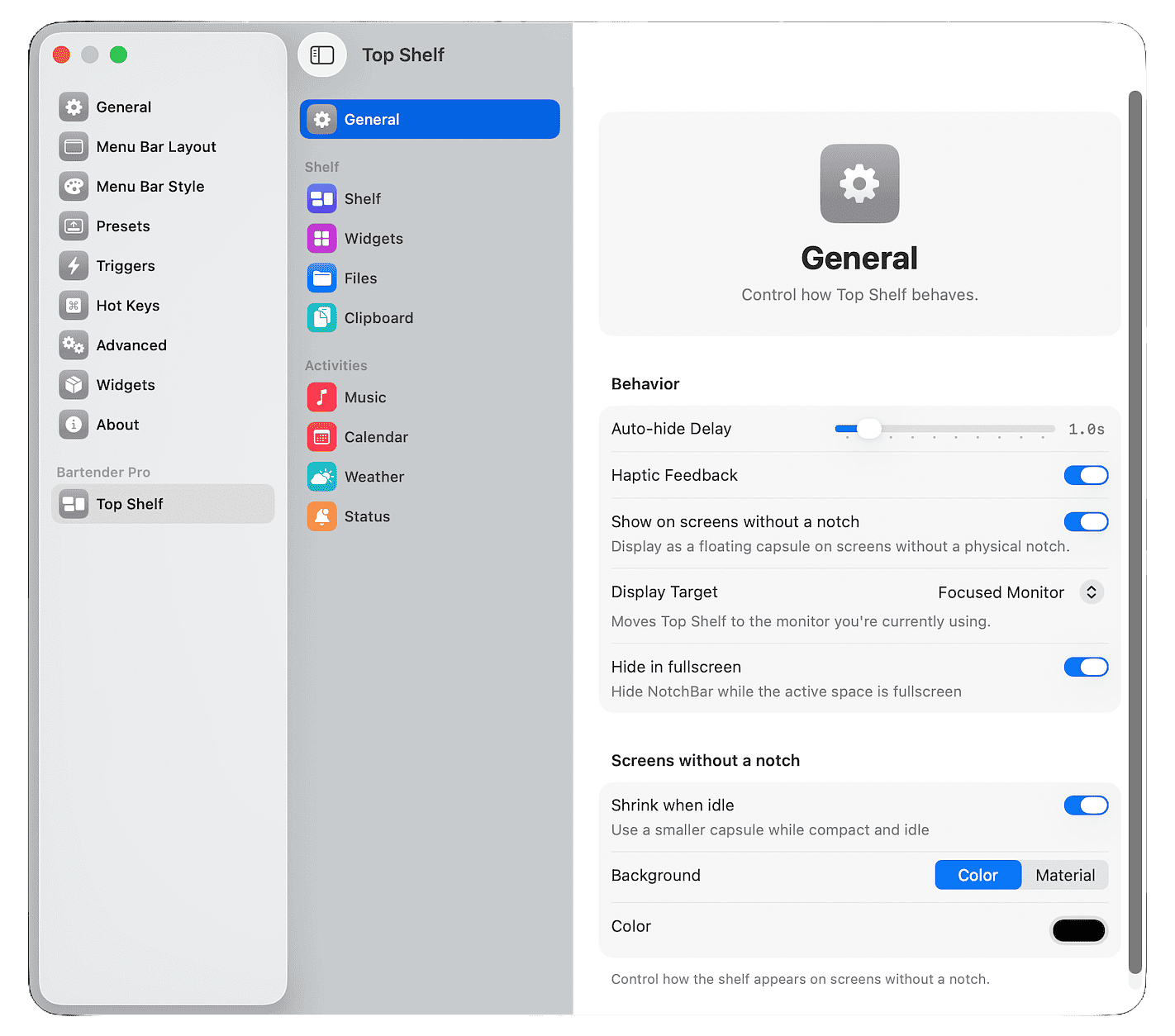
I’m fortunate to have a small home lab with several Macs available for testing. I’ve been running Bartender Pro on my M2 MacBook Air with the latest version of macOS, and overall the implementation feels thoughtful and mature. The developers have integrated the new functionality cleanly into Bartender’s existing settings architecture rather than bolting on a second interface.
The Top Shelf interface itself is polished and visually cohesive with macOS. More importantly, it offers enough customization that power users should be able to shape it around their workflow instead of adapting to someone else’s idea of how the notch should work. Enabling or disabling features is straightforward, and the configuration process never feels overly complicated.
One feature Bartender Pro offers that I have not seen handled as well elsewhere is its dynamic interaction with the Bartender Bar itself. The app intelligently avoids hiding menu bar items behind the notch interface, which sounds minor until you actually start using multiple notch utilities and discover how messy that problem can become.
Importantly, none of this replaces the traditional Bartender experience. The new functionality is strictly additive. Bartender 6 is still available as a standard one-time purchase for $20, and the company has been explicit that core menu bar management is not being moved behind a subscription wall.
For users interested in Top Shelf and the broader Pro feature set, Bartender Pro is available as a $15/year subscription. That includes Bartender 6 along with all upgrades released during the subscription period.
The Bartender team has clearly invested serious effort into getting this release right. During the beta period, updates arrived constantly, feedback was actively incorporated, and bug reports received prompt attention. That responsiveness matters, especially for utility software operating this deeply inside the macOS interface.
If you are evaluating notch utilities or trying to build a cleaner AI-oriented Mac workflow, Bartender Pro deserves a serious look.