
10 Ways to Get More Out of Apple Shortcuts
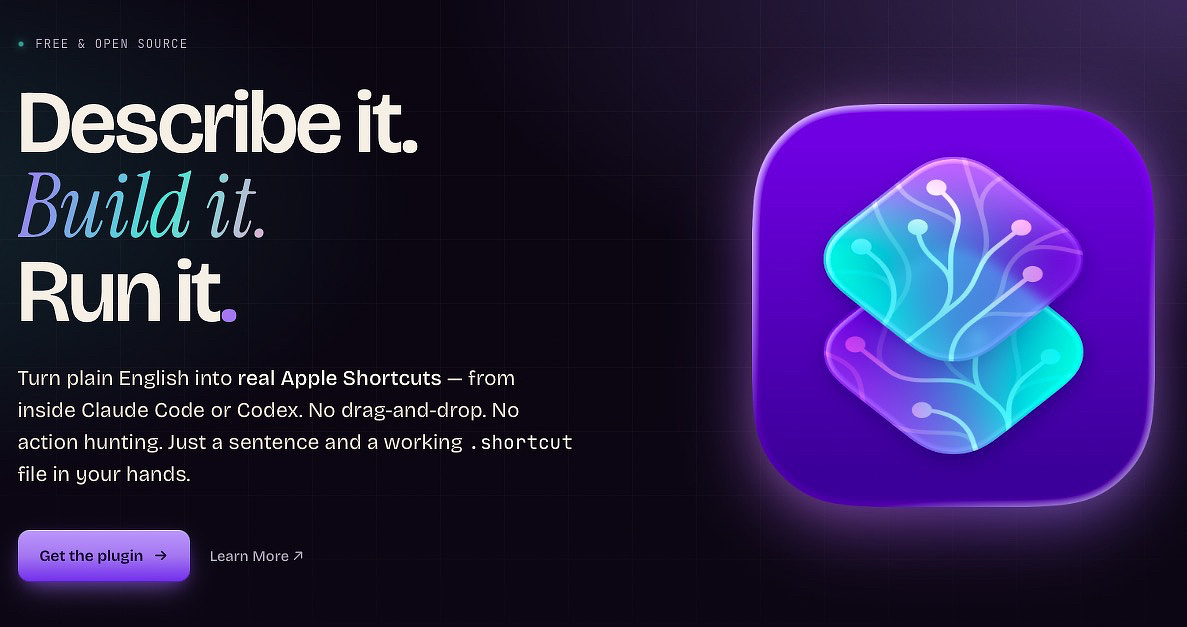
I like using Apple Shortcuts when it fits my workflow, but advanced features can be confusing. I manage simple loops and variables, but it’s slow and tricky. That’s why I was happy to see MacStories release Shortcuts Playground, a free plugin for Codex and Claude Code. It lets you describe what you want in natural language and creates a real Apple Shortcut you can use or share. You can read about it and get installation instructions for free if you have those platforms.
It’s been years since I updated my list of free and cheap apps that boost Apple Shortcuts, so here’s the 2026 edition.
Best Standalone App for Triggers - Shortery
Apps like Keyboard Maestro, Hazel, and BetterTouchTool can trigger Shortcuts but take time to learn. Shortery costs $29.99 and is easier to use. Apple also added some automation triggers in macOS:
- macOS Shortcuts covers basics
- Apps, Files and folders, Wi‑Fi/Bluetooth, Displays, Focus, Time, Wake/sleep
- Shortery adds extras
- Audio, Camera, Clamshell, Calendar, Keyboard hotkeys, Login/logout, LAN, Power details, Screen lock/unlock, Sunrise/sunset, More device triggers
Best Deep System Control: Shortcutie
For $10, Shortcutie offers 70+ system actions Apple won’t allow directly. It can change defaults without prompts, clear all notifications, quit all apps, scrape browser tabs, run JavaScript, and grab selected text from any window.
Best for Extra Shortcut Actions: Toolbox and Actions.app
Sindre Sorhus’s free app Actions offers 170 Shortcut actions for all Apple platforms. See a partial list here.
Toolbox Pro costs $5.99 one-time and adds powerful features for date/time, dictionaries, contacts, files, media, reminders, system tasks, and text.
Best for Persistent Data: Data Jar
Shortcuts handle temporary data well but can’t save it long-term. Data Jar (donationware) stores structured data for Shortcuts to read and update later, helping workflows track state over time—making Shortcuts act like apps.
Good for: settings, preferences, counters, lists, saved variables, workflow state.
Best for Notes-Centric Workflows: Actions for Obsidian
Actions for Obsidian adds Shortcut features to import web content, calendars, contacts, health data, and more into Obsidian notes.
Other Useful Shortcut Enhancers
- BarCuts: macOS Shortcuts Launcher — menu bar app shows relevant Shortcuts without clutter
- Menu Box — create custom Shortcut menus
Find helpful Shortcuts at:
Routine Hub
Matthew Cassinelli
Shortcuts Gallery
MacStories Shortcuts Archive